Playground use cases: try verifiable credentials for yourself
Our playground at playground.credenco.com is a growing set of example services where you receive verifiable credentials into your wallet and then use them somewhere else, exactly the way it would work in production. This page explains what each use case shows, so you know which one to open first.
Every organization, person and document you meet there is made up, so nothing about you is stored. To collect the credentials and present them you need a wallet app that supports OpenID4VCI and OpenID4VP, such as the Credenco Wallet.
Open the playgroundDifferent stories, one wallet.
Each one is a self-contained scenario, with its own fictional person and credentials.
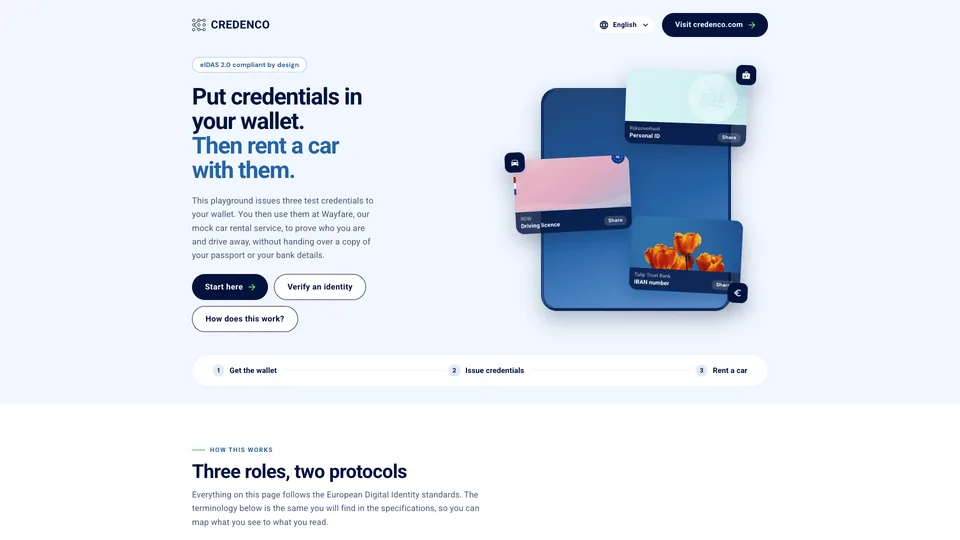
Wayfare Car Rental
Collect EUDI credentials as Klaas Jansma, then rent a car with them, including paying without typing an IBAN.
Wayfare is a car rental company we built to show what a booking looks like when the customer already carries verified credentials. There is no account to create and no form to fill in: you pick a car, prove three things about yourself, and the reservation lands back in your wallet.
What happens next
- Pick a car
- Verify your identity
- Review what was shared
- Confirm and pay
- Get your reservation
- Collect the car
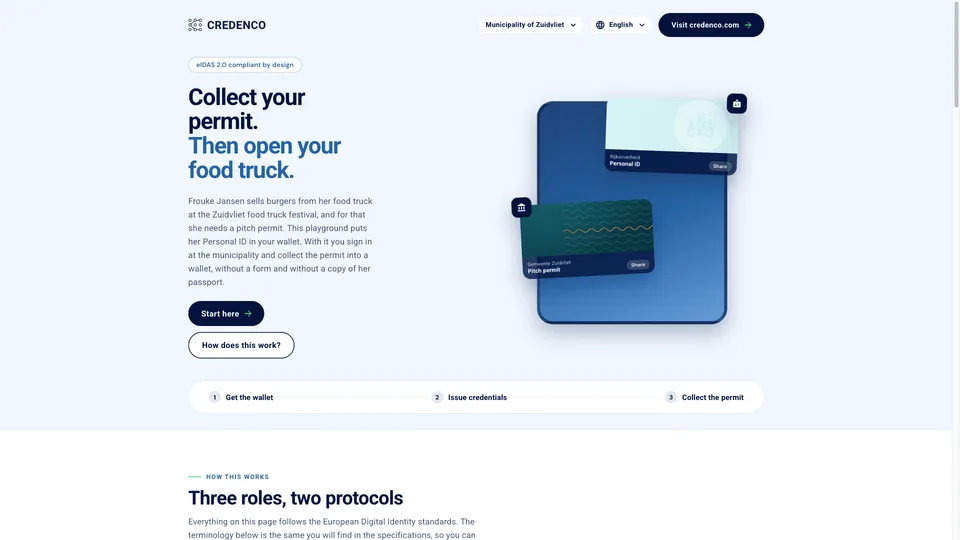
Municipality of Zuidvliet
Frouke signs in to her municipality with the Personal ID in her wallet and collects a food truck pitch permit into it.
Frouke Jansen runs a food truck and wants to sell burgers at the Zuidvliet food truck festival. For that she needs a pitch permit from the municipality. In this demo you are Frouke: you sign in to the municipal portal with the Personal ID in your wallet, and collect the permit into a wallet, ready to show when an inspector comes by.
What happens next
- Get Frouke's Personal ID
- Sign in to My Zuidvliet
- Go to Permits
- Collect the permit into your wallet
- Or use a business wallet
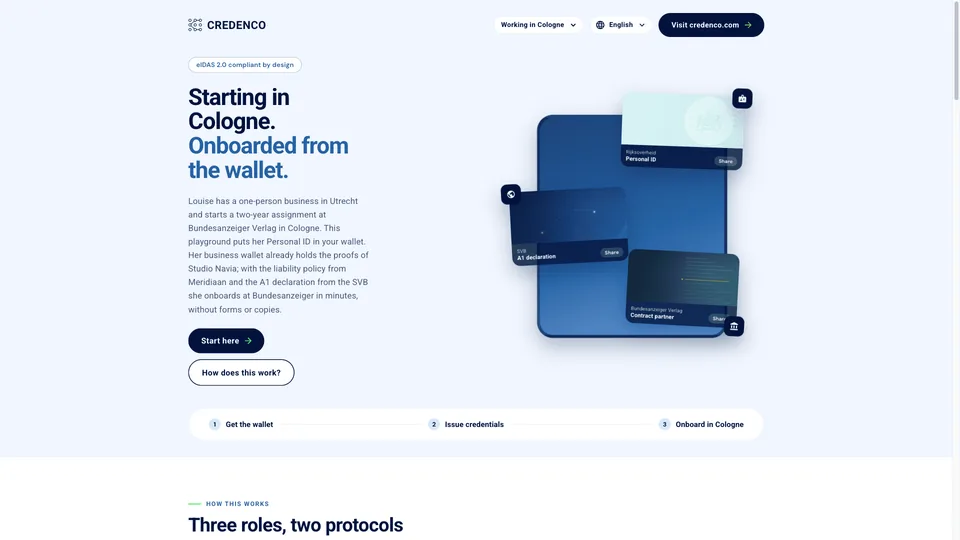
Working in Cologne
Louise, a one-person business from Utrecht, onboards at Bundesanzeiger Verlag in Cologne from her wallets, without forms or copies.
Louise runs Studio Navia, a one-person business in Utrecht, and starts a two-year assignment at Bundesanzeiger Verlag in Cologne. Before she starts, Cologne wants to know who she is, that her business is real, that her social security stays in the Netherlands and that she is insured. In this demo you are Louise: your personal wallet holds her Personal ID, and her business wallet holds the proofs of Studio Navia.
What happens next
- Get Louise's Personal ID
- Have Studio Navia's business wallet ready
- Collect the liability policy at Meridiaan
- Get the A1 declaration from the SVB
- Onboard at Bundesanzeiger
- Receive the contract partner credential
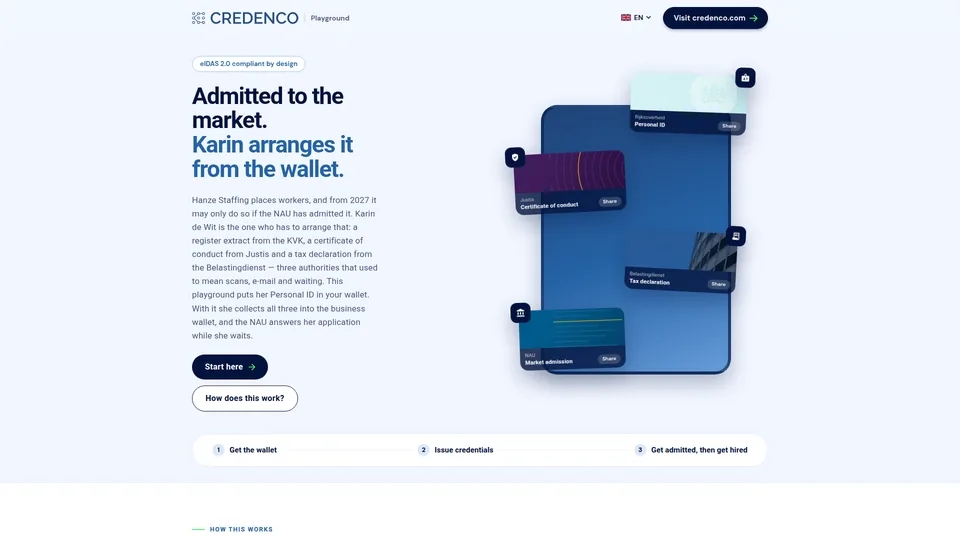
Admission to the labour-hire market
Karin has three proofs to gather and one authority to convince, and she does it from the business wallet in one request instead of a dossier.
Karin de Wit signs for Hanze Staffing, a company that places workers with other employers. The last time she arranged this it took three authorities, a scanner and a fortnight of waiting. From 1 January 2027 the Wtta closes the market to anyone the NAU has not admitted, and admission means proving who the company is, that its directors were screened and that it meets its tax obligations. In this demo you are Karin: you collect the three proofs into the business wallet, apply once, and register for an assignment with the admission you get back.
What happens next
- Get Karin's Personal ID
- Collect the register extract at the KVK
- Apply for the VOG rechtspersonen at Justis
- Get the tax declaration from the Belastingdienst
- Apply for admission at the NAU
- Register for an assignment at FlexGate
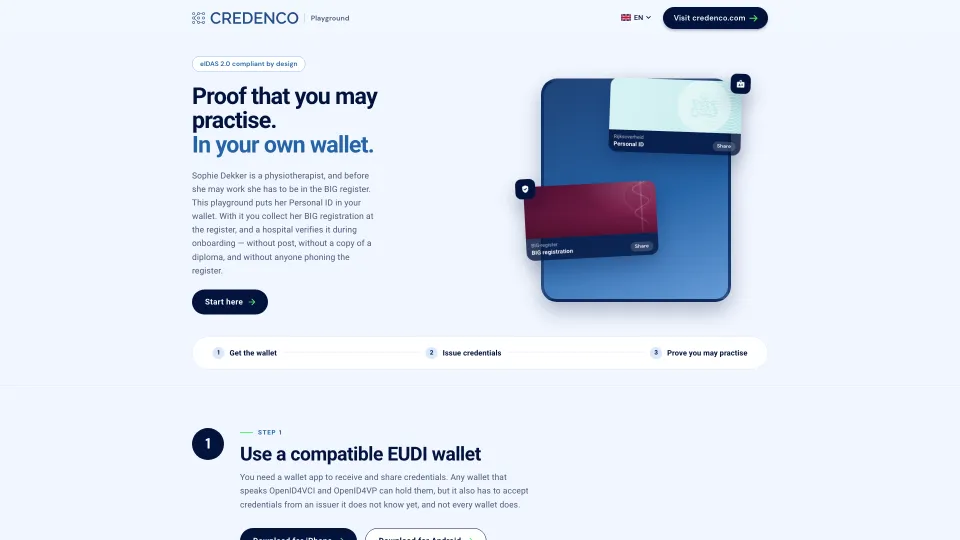
The BIG register
Sophie collects her BIG registration at the healthcare register, and a hospital verifies it during onboarding instead of phoning the register.
Sophie Dekker is a physiotherapist. Every doctor, nurse, physiotherapist and pharmacist in the Netherlands has to be in the BIG register before they may practise, and until now that meant a certificate by post and an employer checking it by hand. In this demo you are Sophie: you identify yourself at the register with the Personal ID in your wallet, collect your BIG registration into it, and then let Amsterdam Healthcare verify it during onboarding.
What happens next
- Get Sophie's Personal ID
- Identify yourself at the BIG register
- See what the register holds
- Collect the registration into your wallet
- Apply at Amsterdam Healthcare
- Watch it being verified
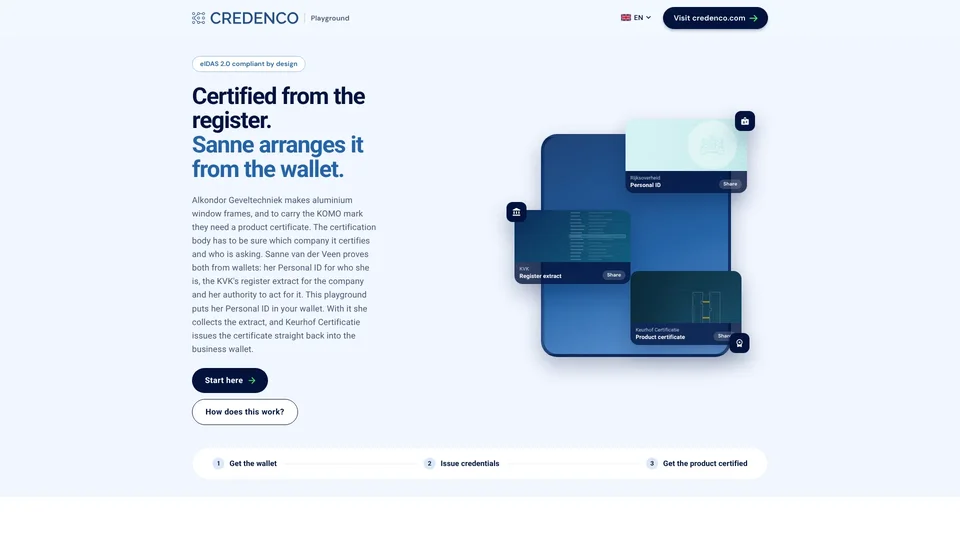
Product certification
Sanne supplies Alkondor's particulars to a certification body from the business wallet, and the KOMO certificate comes back into it.
Sanne van der Veen handles certification at Alkondor Geveltechniek, which makes aluminium window frames and facade elements in Hengelo. To sell them with the KOMO mark, Alkondor needs a product certificate under BRL 2701, and the certification body has to know exactly which company it certifies and who is asking. Until now that meant typing the company's particulars into a customer portal and attaching a register extract as a PDF. In this demo you are Sanne: you sign in at Keurhof Certificatie with your Personal ID, supply the company's particulars from the business wallet and receive the certificate into that same wallet. Keurhof is fictional; the scheme, BRL 2701, is real.
What happens next
- Get Sanne's Personal ID
- Collect the register extract and the EBW OID at the KVK
- Sign in at Keurhof with the Personal ID
- Supply the company particulars from the business wallet
- Receive the KOMO product certificate
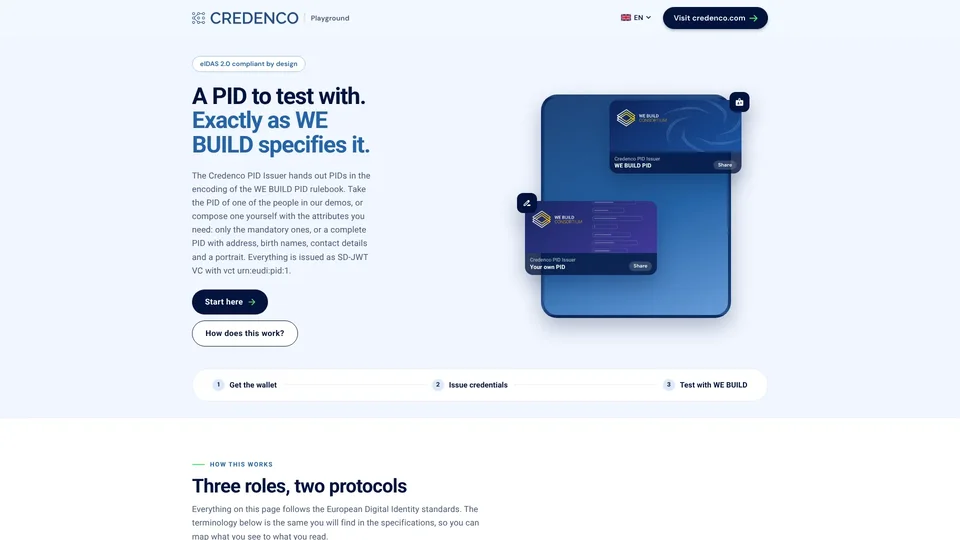
WE BUILD PID issuer
Pick the PID of one of our personas or compose your own, and receive it in the format of the WE BUILD PID rulebook.
The PIDs on this page follow the WE BUILD PID rulebook: vct urn:eudi:pid:1, place of birth and address as structured objects, nationalities as a list and sex as an ISO/IEC 5218 code. Use them to test a WE BUILD wallet or verifier against PIDs whose content you know, or that you made up yourself. The PIDs are issued by a demo issuer; none of them is a real identity document.
What you can do with it
- Pick a PID or compose your own
- Scan it into your wallet
- Check it against the rulebook
- Use it with a WE BUILD verifier
More on the way
New example sites are added as we build them. Have a scenario you would like to see? Tell us.
Get in touch