
Your own credentials, and the ones your company holds
The Credenco Wallet is a holder wallet: it holds credentials that other organisations have signed for you. A diploma, a company registration, a proof of age, a certificate. Because every credential carries the issuer signature with it, whoever you show it to can check that it is genuine without calling the issuer back.
You can also connect your Credenco Business Wallet account, so the credentials your organisation keeps in the cloud are available from the same app. Personal and organisational credentials sit side by side, and you pick which one to present.
See it in action
Our playground issues three test credentials to your wallet, then uses them to rent a car. Two minutes, start to finish.
What the app does

Receive credentials
Scan a QR code or follow a link and the credential lands in your wallet, over OpenID4VCI.

Store them on device
Keys are generated and kept in the phone secure hardware, behind your screen lock.

Present with consent
Every verification request is shown in full before anything is sent, over OpenID4VP.

Share one attribute
Selective disclosure lets you prove you are over 18 without revealing your date of birth.
How a credential moves
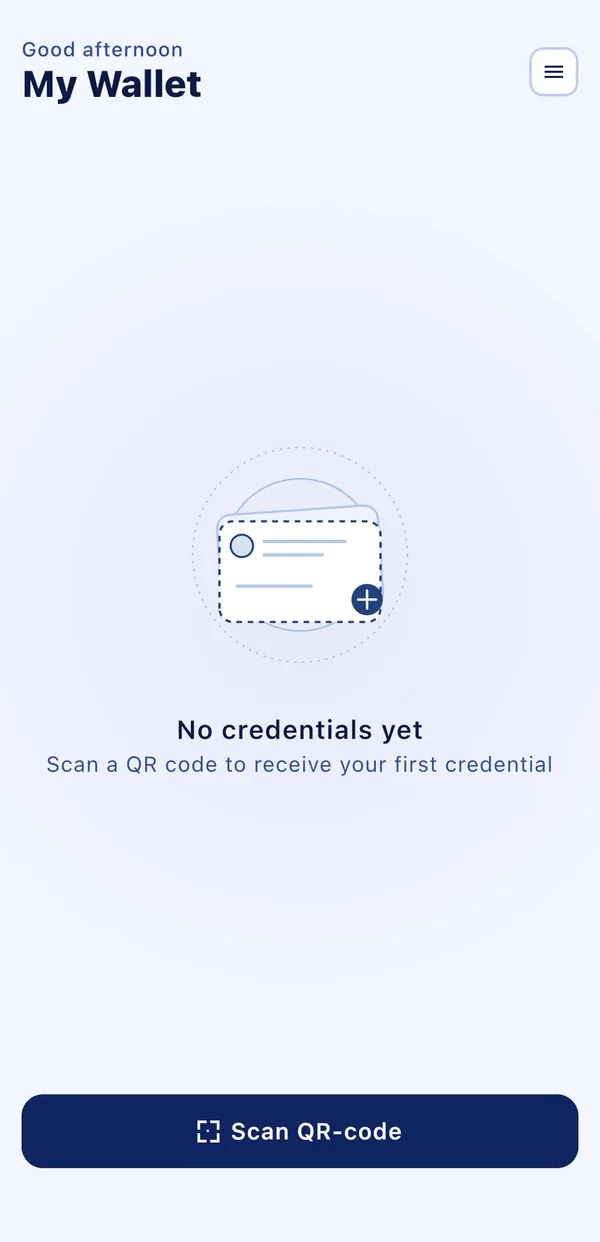
An empty wallet
A fresh install holds nothing. Scanning a QR code is how every credential arrives.
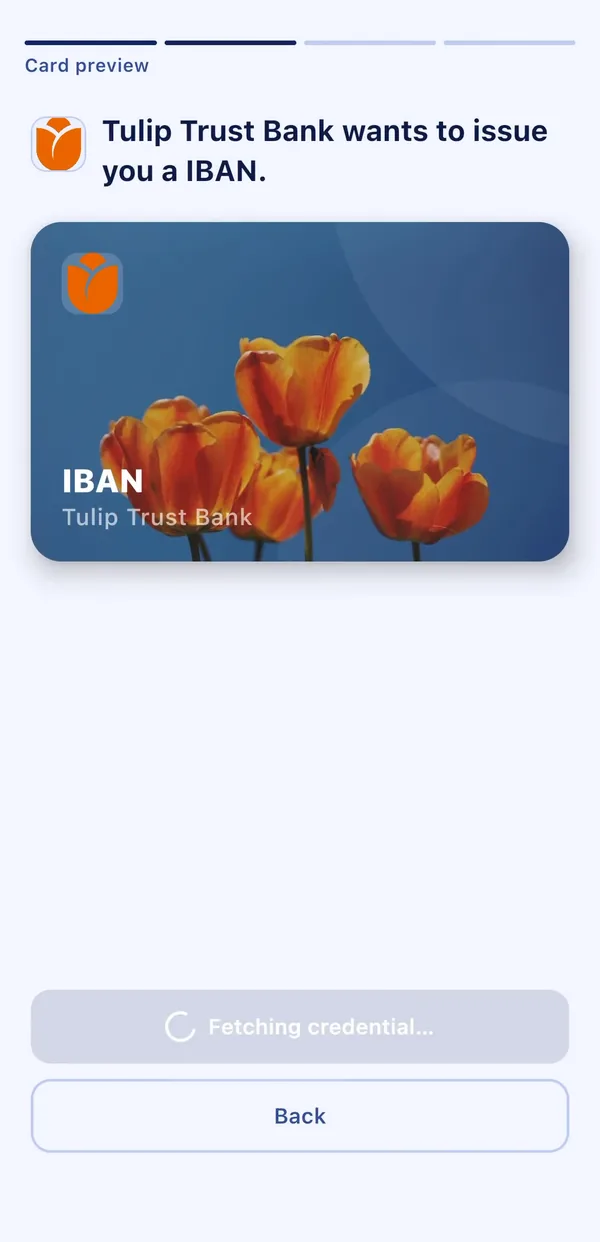
The issuer makes an offer
Tulip Trust Bank offers an IBAN credential. You see who is issuing and what the card is before anything is stored.
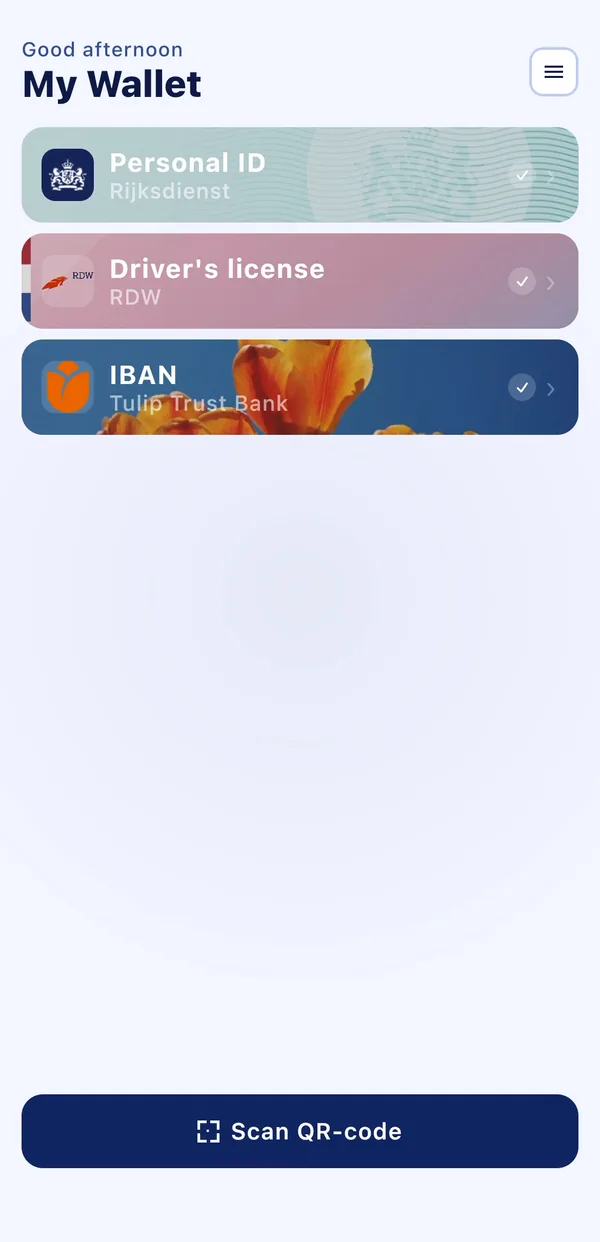
Credentials side by side
A Personal ID from the Rijksdienst, a driver's license from the RDW and the bank's IBAN, each signed by its own issuer.
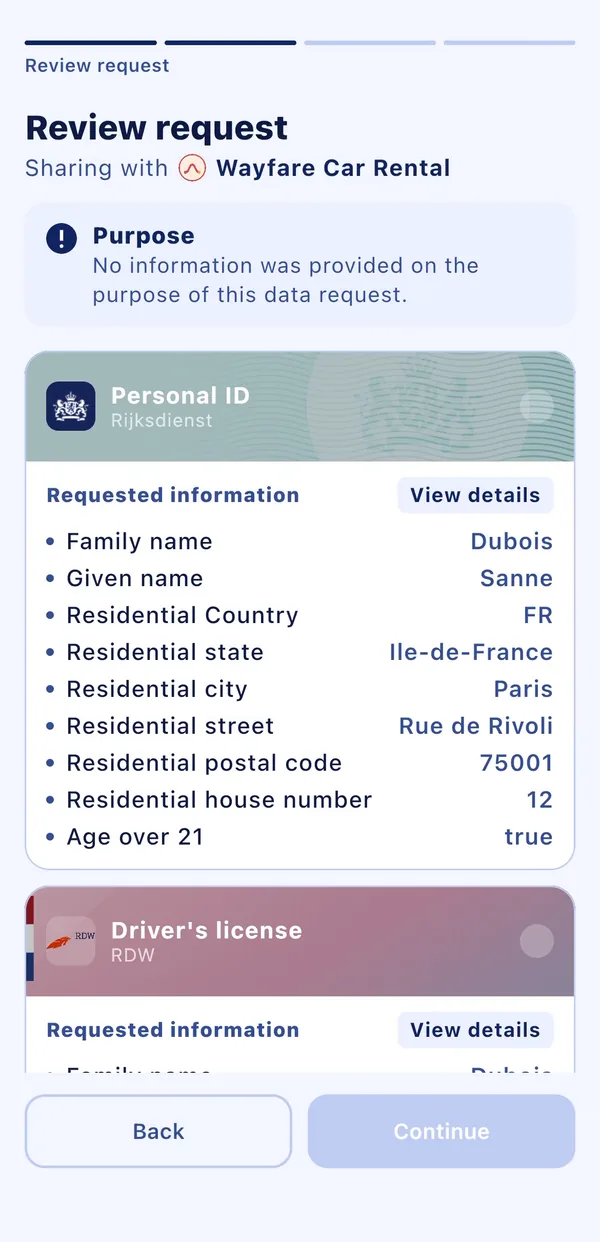
The verifier asks
Wayfare Car Rental requests specific fields. The app lists every one of them, including derived answers such as an age check instead of a date of birth.
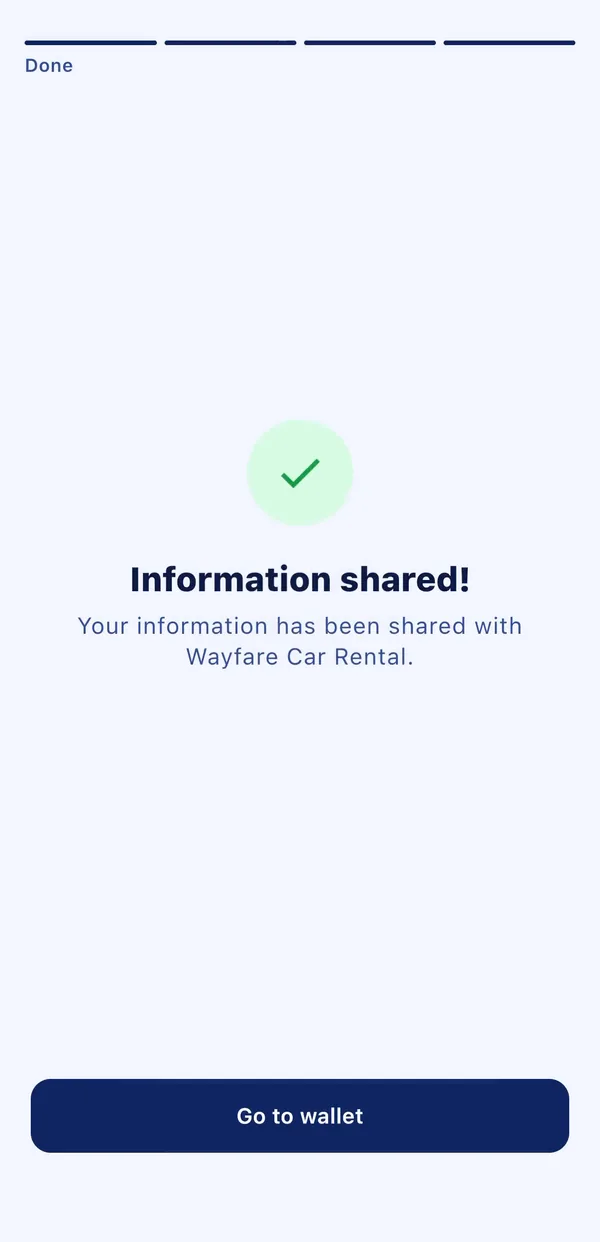
Shared, and nothing more
Only the fields you approved reach the verifier. The credentials themselves stay in the wallet.
What you are installing
Data points collected by the developer
- OpenID4VCI
- OpenID4VP
- SD-JWT VC
Free
iOS 18.2 or later, and Android
Issuing to the app
The app talks to any issuer or verifier that speaks the same standards, so you do not need Credenco on both ends. If you want to issue credentials into it, or verify credentials presented from it, start with the Business Wallet.
The documentation walks through a worked example: the BIG Register issuing a credential from its own software. Your backend calls the API, shows the QR code, and the credential lands on the phone over OpenID4VCI.